
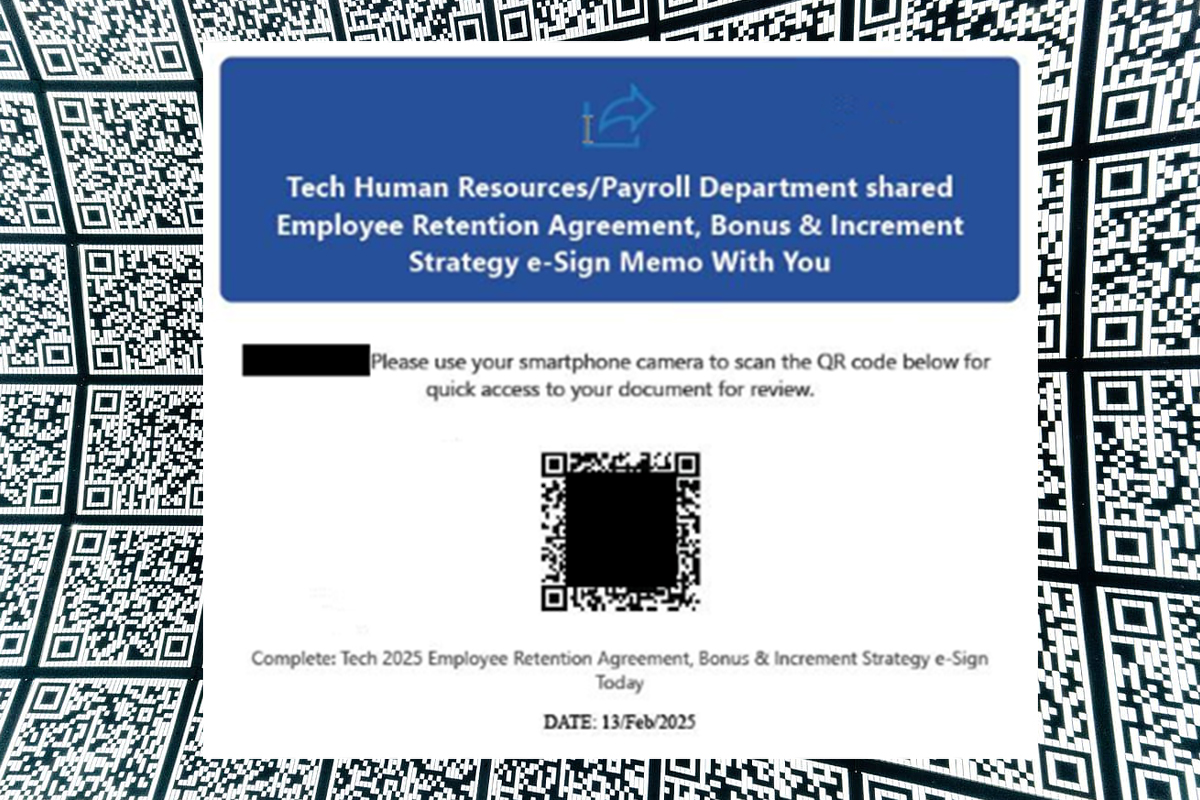
Threat actors continue to take advantage of the increased adoption of QR code scanning, as users are typically quick to scan QR codes without a second thought and are unaware of the potential risks. In quishing campaigns, threat actors impersonate trusted organizations or entities, including human resources or information technology departments. QR codes may be embedded in Adobe PDF, Microsoft Word, HTML, attached images, or directly in the body of the email. Threat actors use legitimate software tools and QR codes that appear genuine or official but may be tampered with, directing targets to phishing websites and fraudulent payment portals to steal sensitive information, account credentials, or funds. These campaigns can also deliver malware, ransomware, or trojans that automatically download, infiltrate devices, and launch further attacks.
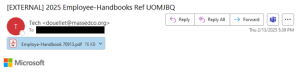
The NJCCIC’s email security solution identified and blocked multiple quishing campaigns attempting to deliver malicious QR codes to New Jersey State employees. In one example, threat actors use Microsoft branding and change the sender’s display name to “Tech” despite the EXTERNAL tag indicating that the email originates from outside the organization. They lure their targets with convincing human resource themes, including a misspelled Employee Handbook attachment.
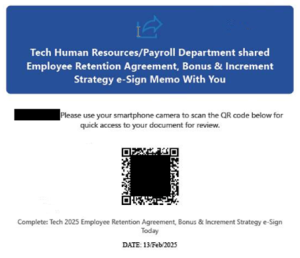
If the Adobe PDF attachment is clicked, it will display a two-page document with a QR code and additional Microsoft branding. If the QR code is scanned, the target is directed to hxxps://2jzy[.]inerecono[.]ru/Gi56TU6/#D[recipientemailaddress]. In this example, the target is prompted to verify that they are human, and the malicious website displays purported information on artificial intelligence technology.
The NJCCIC received reports of a similar quishing campaign targeting public sector employees and utilizing the same malicious domain. To appear legitimate, threat actors use the organization’s branding and change the sender’s display name to the organization’s name despite the EXTERNAL tag. The naming convention for the attached three-page Adobe PDF file is “Revised- Handbook #####.pdf.” The attachment contains a QR code linked to a purported new company policy added to the All Employee Handbook. If scanned and specific instructions are followed, this quishing campaign can result in compromised account credentials and account takeover.
In a separate reported quishing campaign, email messages appear to be sent from a private sector organization’s information technology department and contain a QR code directing targets to a spoofed version of the organization’s website. Several targets entered their account credentials, which were used to access payroll systems and change direct deposit information. All sectors and organizations should remain vigilant with the rising threat of malicious QR codes.
Recommendations
- Confirm the QR code is legitimate before scanning it, particularly in unsolicited messages or public places, especially with company-issued equipment, services, and software.
- Refrain from scanning QR codes that have been physically or digitally tampered with.
- When in doubt, manually type a known and trusted URL (obtained from official sources) into the browser.
- Provide personal or financial information or transfer money to only legitimate and verified websites.
- Regularly update your mobile device and its apps.
- Use strong passwords and enable multi-factor authentication (MFA) on your accounts.