
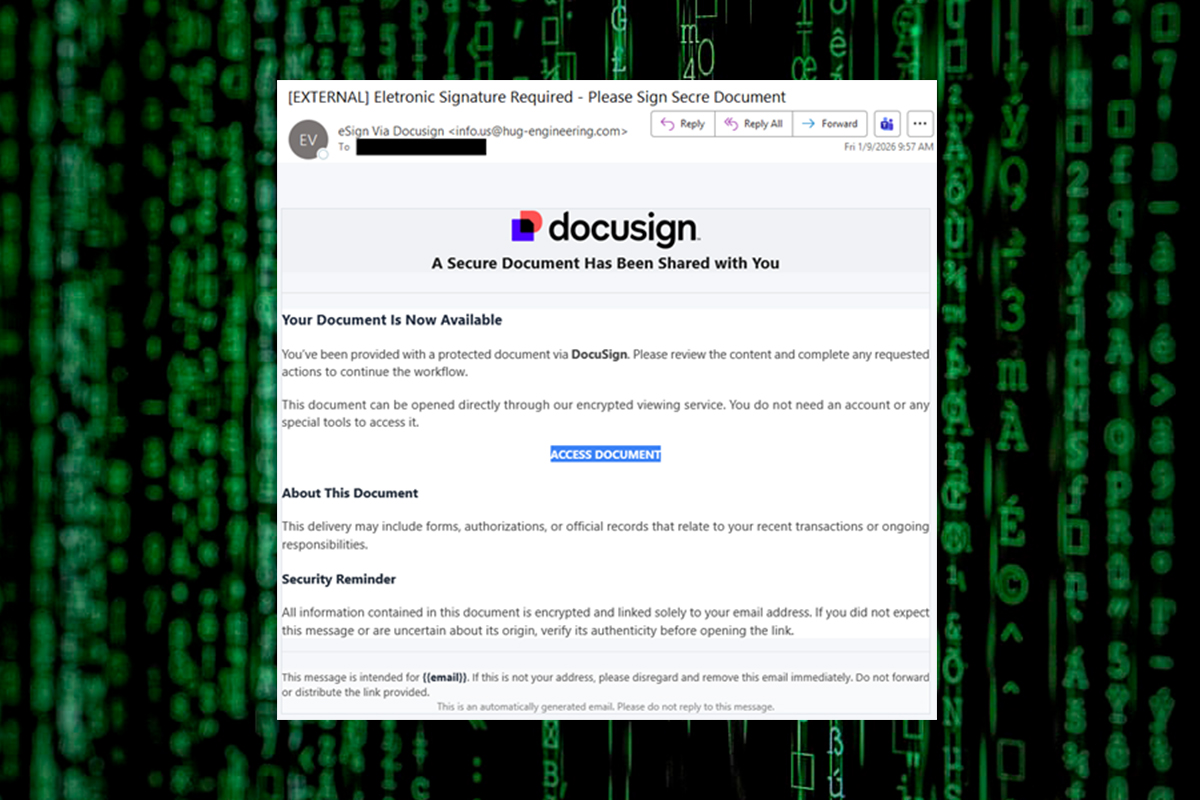
The NJCCIC observed a phishing campaign that abused the legitimate Docusign, leading to the installation of the LogMeIn Resolve remote monitoring and management (RMM) tool. The email is not sent from a legitimate Docusign domain, such as docusign[.]com or docusign[.]net. Additionally, it is not valid because a legitimate Docusign email notification contains an alternate signing method with a unique security code at the bottom of the email. The subject line contains misspellings, and the impersonalized email includes an “ACCESS DOCUMENT” link to review a secure document, supposedly without requiring an account or special tools.
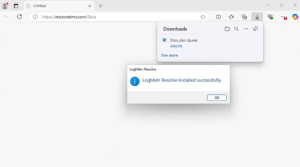
If the link is clicked, the target is directed to a malicious website, hxxps://micronetmx[.]com/Docs, that automatically downloads an executable called “Docx_xlxs-rqs[.]exe.” Clicking on the “Open file” link installs the LogMeIn Resolve RMM tool, allowing threat actors to remotely control the compromised device. Further analysis reveals that the executable file performs various tasks, including establishing persistence, checking the BIOS and system information in the registry, reviewing the system for installed applications, and dropping files into the System32 directory. The malicious use of RMM tools and weak organizational IT policies can lead to unauthorized access, persistent backdoor access, lateral movement to critical systems and cloud accounts, the deployment of other malware and ransomware, and data leakage.
Recommendations
- Exercise caution with communications from known senders or legitimate platforms.
- Confirm requests from senders via contact information obtained from verified and official sources before taking action, such as clicking on links or opening attachments.
- Navigate directly to legitimate websites and verify before submitting account credentials, providing personal or financial information, or downloading files.
- Enable multi-factor authentication (MFA) and keep systems and browsers up to date.
- If victimized, disconnect from the internet and run anti-virus/anti-malware scans.
- If sensitive information was entered, change passwords for compromised accounts, monitor for unauthorized activity, and review the Identity Theft and Compromised PII NJCCIC Informational Report for additional recommendations and resources, including credit freezes and enabling MFA on accounts.
- Review Docusign’s webpage for additional security concerns, recommendations, and reporting.
- Report malicious cyber activity to the NJCCIC and the FBI's IC3.