
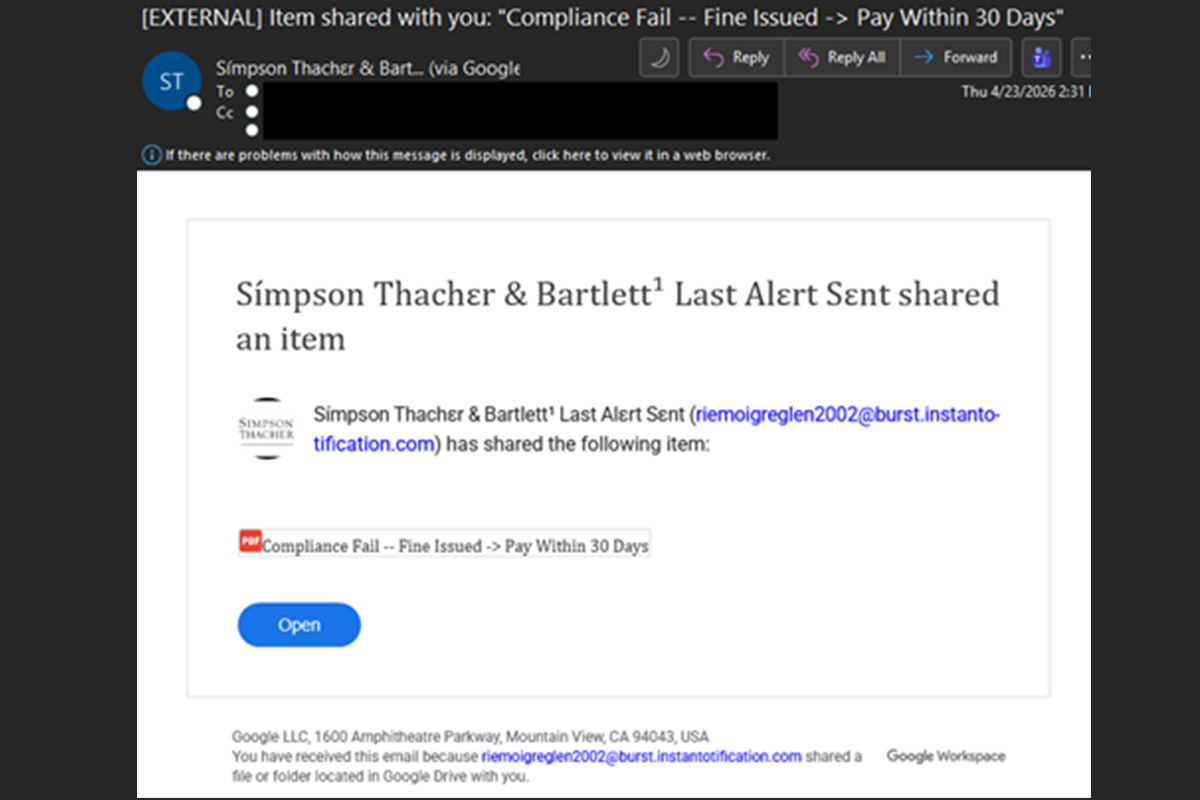
The NJCCIC observed a campaign sending multiple messages impersonating legal notices. These messages make claims such as a fine will be issued, identity needs to be verified, or compliance has failed. When users click the message's “Open” button, they are directed to a Google Drive-hosted PDF that claims an e-signature is required to view the legal document.
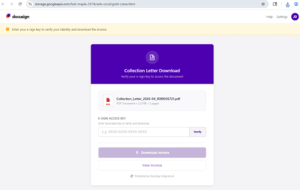
Clicking the “Download E-Sign” button redirects the user to a page that appears to be from Docusign and requests a key to verify the e-signature and download the purported document. After entering the access key and clicking the link, a malicious Visual Basic script named “DocuSign-E-Key_Generator-ID-COLETTER-ZS9090827.vbs” is downloaded and executed, running a PowerShell-based payload named "agent.ps1." This payload creates a hidden working directory, establishes persistence via a scheduled task, and communicates over a WebSocket to the command-and-control (C2) IP address "144[.]172[.]111[.]183." These steps can enable threat actors to gain remote access and exfiltrate data, including personally identifiable information (PII), credentials, and financial information.
Recommendations
- Avoid clicking links and opening attachments in unsolicited emails.
- Confirm requests from senders via contact information obtained from verified and official sources.
- Users are advised to only download applications and software from official sources.
- Maintain robust and up-to-date endpoint detection tools on every endpoint.
- Consider leveraging behavior-based detection tools rather than signature-based tools.
- If you suspect an account has been compromised, change the account's password immediately and ensure MFA is enabled for all online accounts.
- Review the Don't Take the Bait! Phishing and Other Social Engineering Attacks NJCCIC product for more information on common phishing and social engineering attacks.
- Report malicious cyber activity to the NJCCIC and the FBI's IC3.